8 to 12 weeks out
- Order primary internet and a backup connection; lead times vary by provider and building.
- Survey the space for cabling, network closet, power and cooling.
- Plan Wi-Fi coverage with a site survey.
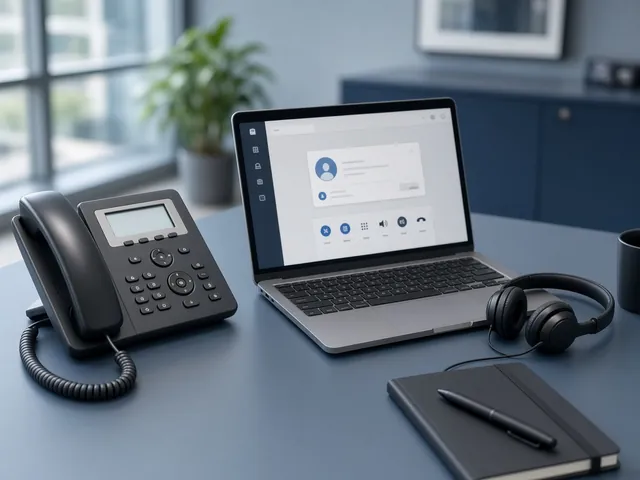
- Decide on phones: port numbers to cloud VoIP if changing systems.
- Review security cameras and door access needs.
4 to 6 weeks out
- Install cabling and network equipment.
- Configure firewall, network segments and guest Wi-Fi.
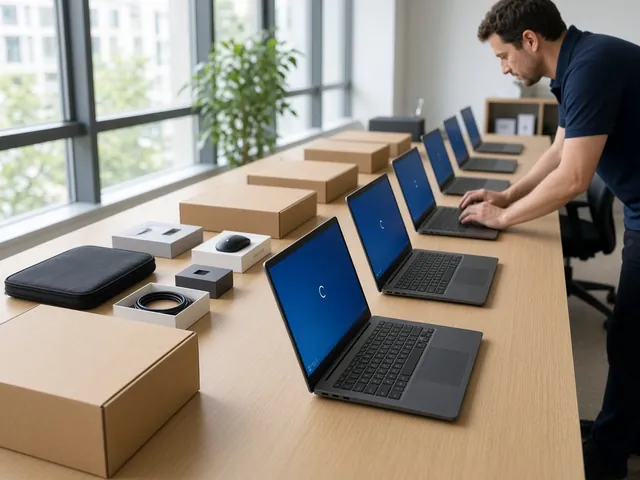
- Order desks' equipment: docks, monitors, headsets.
- Update emergency (E911) addresses for VoIP.
- Plan printer and copier relocation.
Move week
- Back up everything before moving any hardware.
- Label every device and cable.
- Test internet, Wi-Fi, phones and printing before staff arrive.
- Have technicians on site for the first morning.
After the move
- Update documentation and network diagrams.
- Confirm backups and monitoring are working.
- Securely dispose of old equipment.
- Collect staff feedback on Wi-Fi and desks.
Frequently asked questions
How early should we order internet?
As early as possible. Fibre installs can take weeks or months depending on the building, so order once the lease is signed.
Can we take our phone numbers with us?
Usually yes, especially with cloud VoIP; confirm with your carrier.