Overview
A good help desk is the part of IT your staff actually feel. Password lockouts, a printer that has vanished, Outlook refusing to sync, a new starter who needs a laptop by Monday: these small problems eat hours of productive time if nobody owns them.
Our help desk model is built around documentation. Every client has a living runbook (network diagram, key accounts, vendor contacts and known quirks), so whoever picks up your ticket starts with context.
What's included
- Support by email, phone, chat and a self-service portal
- Clear priority levels with example response targets (see below)
- Remote control sessions with the user's permission
- Password resets and account unlocks with identity verification
- Software installs, printer and peripheral support
- Ticket history and monthly reporting for managers
- Escalation to senior engineers and vendors when needed
How it works
- A user submits a request by email, phone, chat or the portal
- The ticket is triaged and given a priority within minutes
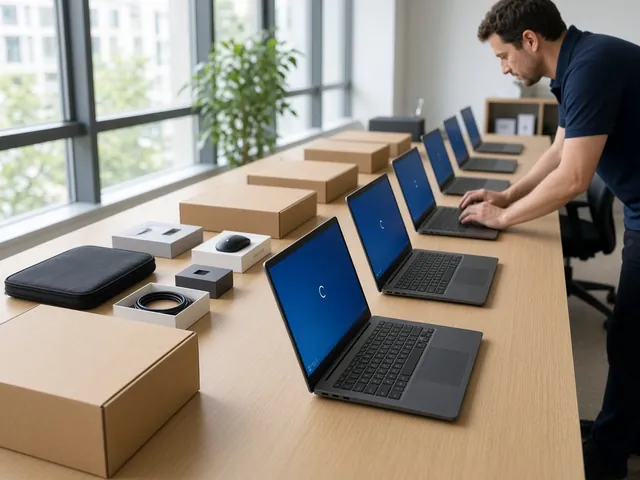
- A technician works it remotely, or schedules a visit if hands-on work is required
- The user confirms the fix and the ticket is closed with notes
Example response targets
Response targets are commitments a provider sets in its service agreement. The figures below are illustrative targets for a template business, not measured results.
| Priority | Example | Example response target |
|---|---|---|
| P1 Critical | Whole office offline, suspected breach | 15 minutes, 24/7 on higher plans |
| P2 High | One department or key app down | 1 business hour |
| P3 Normal | A single user issue with a workaround | 4 business hours |
| P4 Request | New user, software install, change | 1 business day |
Frequently asked questions
Is there a limit on tickets?
The plans on this template include unlimited remote support for covered users and devices. Some providers cap hours or charge per ticket; always check.
Do you support home workers?
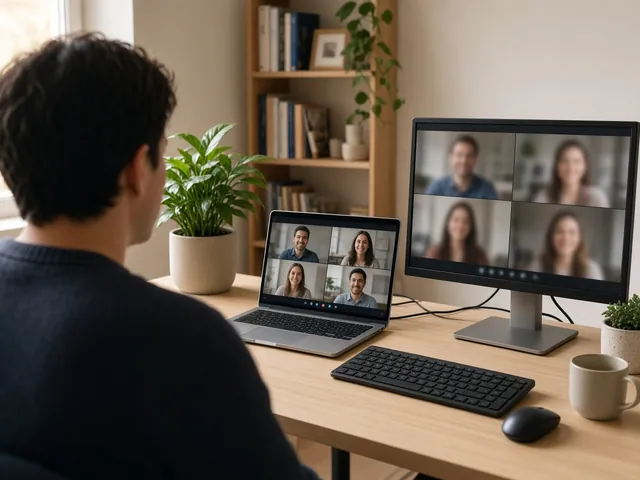
Yes. Remote support works anywhere with an internet connection, and devices can be shipped pre-configured.
Can staff contact you directly?
Yes. Every covered user can raise a ticket. Managers can also see a summary of requests and trends.