What MFA is and why it matters
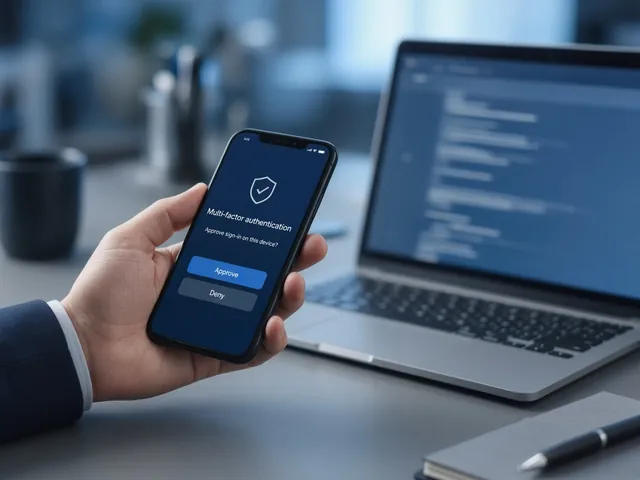
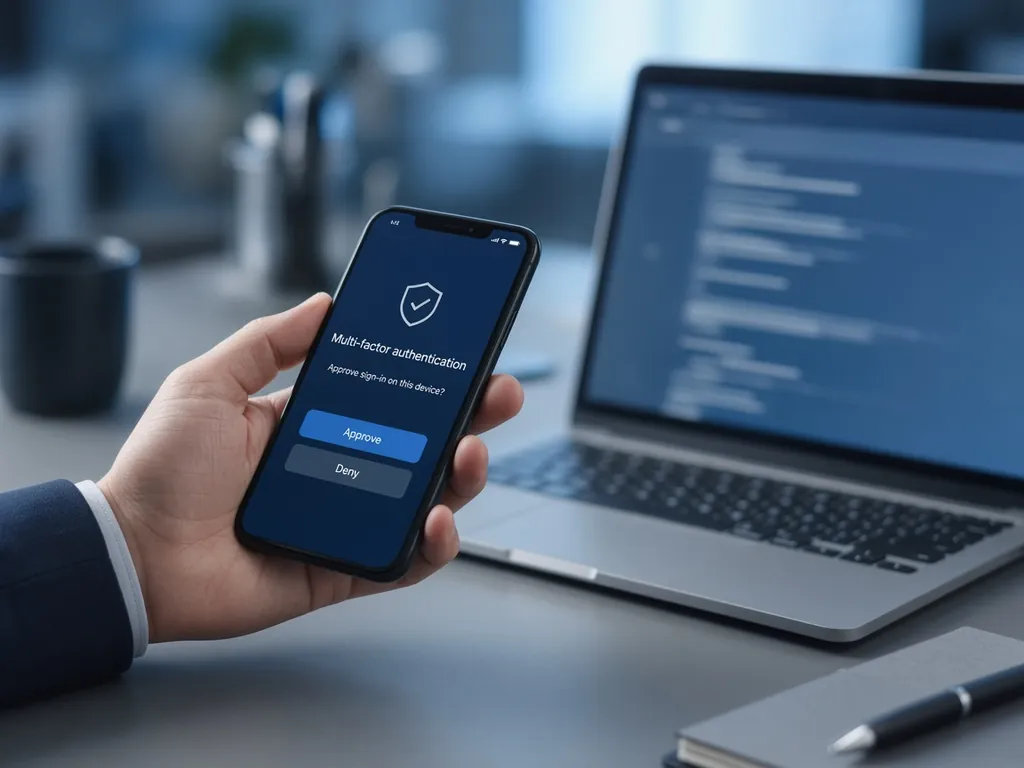
Multi-factor authentication requires two or more types of proof to sign in: something you know (a password), something you have (a phone or security key) or something you are (a fingerprint). CISA's guidance is simple: turn it on, because a stolen or guessed password alone is then not enough to break in.
Methods compared
| Method | Strength | Notes |
|---|---|---|
| FIDO2 security key or passkey | Strongest | Phishing-resistant; CISA calls FIDO the gold standard |
| Authenticator app with number matching | Strong | Good default for most staff |
| Authenticator app push (no number matching) | Moderate | Vulnerable to "push fatigue" attacks |
| SMS or voice code | Weaker | Better than nothing; vulnerable to SIM swapping |
A rollout plan that works
- Start with admins and email accounts, using the strongest method available.
- Announce it with a short guide and a date.
- Enrol in groups, with help desk support on hand.
- Block legacy sign-in methods that bypass MFA.
- Extend MFA to VPN, accounting, payroll, banking and other cloud apps.
- Review sign-in logs and exceptions monthly.
Need help? See email security and MFA.
Frequently asked questions
What if someone loses their phone?
The help desk verifies their identity and resets their MFA method; having a backup method registered avoids lockouts.
Do we need MFA on every app?
Prioritise email, remote access, finance, payroll and admin accounts first, then expand.